Best Canva Alternative for Film & TV Pitch Decks
Jack
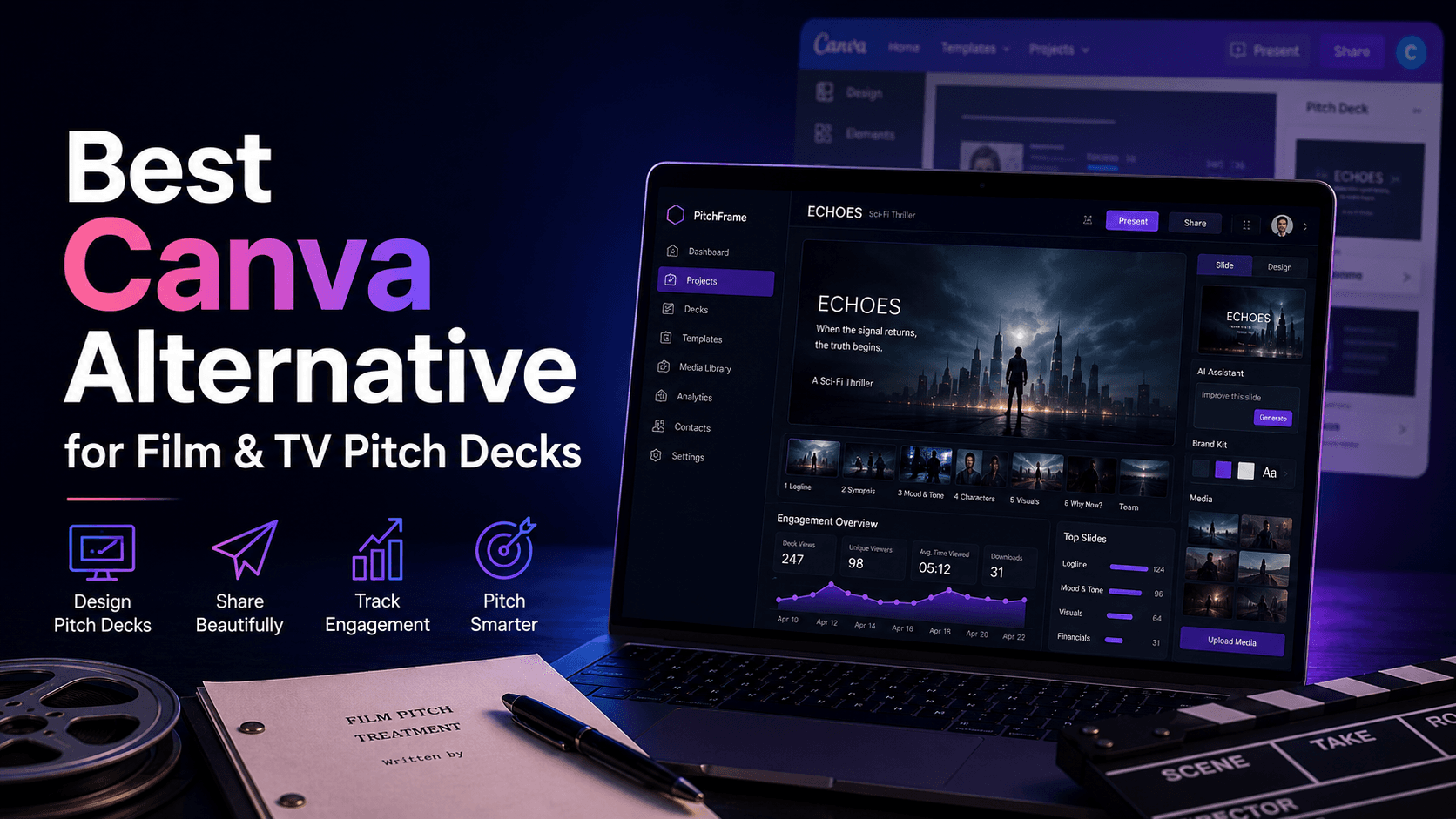
If you're a film or TV producer, there's a good chance Canva is part of your workflow. You use it to build pitch decks — pulling in mood images, laying out character breakdowns, designing title pages, and exporting a polished PDF that looks like a real pitch.
And Canva does that job well. The templates are solid. The drag-and-drop editor is fast. The learning curve is almost nonexistent. For making a deck look good, it's hard to beat.
But the deck isn't the pitch. The deck is one piece of a pitch package — alongside your script, sizzle reel, lookbook, treatment, and notes. And once that beautiful Canva deck is designed, the workflow falls apart completely.
You export a PDF. You attach it to an email. You paste a Vimeo link next to it. You add a Drive link to the script. You hit send. And then you wait in the dark, with no idea whether anyone opened any of it.
This article is about what happens after the design phase — and why the tool you use to build your deck isn't the tool you need to deliver your pitch.
Where Canva's Job Ends (And Your Problem Begins)
Canva is a design tool. It produces a file. Once that file exists, Canva's job is done.
But for a producer, the job is just starting. You still need to:
- Combine that deck with a script, sizzle reel, lookbook, and notes into one cohesive package
- Deliver that package to a buyer through a single, professional link
- Know whether the buyer actually opened and engaged with your materials
- Update the deck without breaking the link you already sent
- Track which version went to which buyer
- Preserve the pitch history for when the project comes back around
Canva does none of that. Not because Canva is flawed — it was never designed to. It's a design tool being asked to do a workflow tool's job, and the gap between those two things is where producers lose time, lose signal, and lose opportunities.
The Five Gaps Between Designing a Deck and Delivering a Pitch
1. A Canva deck is one piece of a pitch — not the pitch itself
Buyers don't evaluate a project based on the deck alone. They want the full picture: the script (or treatment), the sizzle reel, the lookbook, reference materials, maybe a Canva link to additional visuals. A pitch is a package.
When you export a Canva PDF and email it, you're sending one piece. The rest of the materials — the sizzle on Vimeo, the script on Drive, the lookbook in another Canva project — get pasted as separate links or attached as separate files. The buyer receives a scattered collection instead of a unified experience.
There's no way in Canva to say "here's the complete pitch" and hand it over as one thing. That assembly step is entirely manual, and it happens every time you pitch.
2. Exporting a PDF kills your ability to track engagement
The moment you export a Canva deck to PDF and attach it to an email, you lose all visibility. You don't know if the buyer downloaded it. You don't know if they opened it. You don't know if they flipped past the first page or read the entire thing. You don't know if they forwarded it to their team.
Canva offers view analytics for shared Canva links, but that only covers the deck — not the sizzle reel, not the script, not the rest of the package. And most producers export to PDF anyway, because they want the file to look polished on the buyer's end regardless of whether they have a Canva account.
Once it's a PDF in an inbox, it's a black box.
3. Version control between Canva and your buyers is nonexistent
Your Canva deck goes through revisions. New feedback comes in. You update the design, swap images, rewrite copy. But if you already sent the old PDF to three buyers, those buyers have the old version — and they'll never see the update unless you resend it.
Now you're tracking which buyer got which version in a spreadsheet (or worse, in your head). Multiply that across a slate of five or ten projects, each being pitched to multiple buyers, and you have a version control problem that Canva was never designed to solve.
There's no way in Canva to set a "live" version that automatically updates what the buyer sees. The export-and-email workflow locks every recipient into the version they received at the time.
4. Your pitch history dies in your Canva dashboard
Over time, your Canva account accumulates dozens — maybe hundreds — of designs. Old pitch decks, revised pitch decks, lookbooks, one-sheets. They sit in folders or in the "All your designs" feed, organized by nothing except when you last edited them.
If a project becomes relevant again a year later, can you find the version of the deck you sent to A24? Can you find the buyer feedback that prompted the revision? Can you reconstruct what the full pitch package looked like when it went out?
Canva stores the file. It doesn't store the context — the notes, the buyer interactions, the engagement data, the pitch history. All of that context is scattered across email, spreadsheets, memory, and Google Drive.
5. The buyer experience of receiving a Canva export is generic
A PDF attached to an email is a PDF attached to an email. It doesn't matter how beautiful the Canva design is — the delivery mechanism is the same one used for invoices, contracts, and spam.
Buyers at networks and streamers are evaluating your professionalism along with your project. A single, polished link that opens to a complete pitch package — deck, sizzle, script, lookbook, all in one branded experience — creates a fundamentally different impression than a PDF attachment alongside three pasted links.
Presentation isn't vanity. It signals that you've got your act together, that you take the business side seriously, and that you respect the buyer's time.
You Don't Have to Replace Canva — You Just Need to Stop Ending Your Workflow There
This is the key insight: Canva is a good tool being used for the wrong last step.
Your Canva deck is a strong asset. The design work you've done is valuable. The problem isn't the deck — it's that the deck gets exported into a dead-end delivery workflow (PDF → email → silence) instead of flowing into a system that packages it, delivers it, and tracks what happens next.
SlateGo was built for that next step.
How SlateGo Completes What Canva Starts
SlateGo is a pitch workflow platform for film and TV producers. It takes the materials you've already created — in Canva, in Google Drive, in Vimeo, wherever — and turns them into a trackable, organized, professional pitch.
Drop your Canva link straight in. Your Canva deck doesn't need to be exported. Drop the Canva link directly into a SlateGo pitch package alongside your script, sizzle reel, lookbook, and notes. Everything lives in one package, accessible through one link.
One link for the complete pitch. Instead of emailing a PDF plus three pasted links, you send the buyer a single SlateGo link. They open it and see everything — organized, polished, and easy to navigate. No hunting. No confusion about which attachment is which.
Real engagement tracking. See who opened your pitch, how many times they returned, whether they shared it internally, and how far they read into your script. Follow up when the data tells you to — not when you're guessing.
Versioning that works. Update your Canva deck, swap in a new sizzle cut, revise any material — the SlateGo link stays the same. The buyer always sees the current version. You never worry about who's looking at a stale file.
A pitch archive that preserves context. Every pitch, every version, every buyer note, every piece of feedback — stored and searchable inside SlateGo. When a project comes back around, you have the full history. Not just the Canva file — the entire pitch story.
Canva + SlateGo: The Actual Workflow
Here's what the workflow looks like when you use both tools for what they're actually good at:
Canva handles the design. You build a beautiful deck. You design a lookbook. You create visual materials that represent your project at its best.
SlateGo handles the delivery and tracking. You pull those Canva assets into a pitch package alongside your script and sizzle reel. You send one link. You see who engages. You follow up with data. You update materials without breaking the link. You preserve the history.
Design in Canva. Pitch with SlateGo. That's the workflow producers actually need — and neither tool works as well without the other.
The Bottom Line
Canva helped you build a great deck. Now make it work.
A pitch deck sitting as a PDF in a buyer's inbox — with no engagement data, no version control, no context around it, and no history after it — is a missed opportunity wrapped in good graphic design.
SlateGo doesn't replace Canva. It picks up where Canva stops and carries your pitch through the part of the workflow that actually determines whether your project gets sold.
Try SlateGo Free
SlateGo offers a 7-day free trial. Set up your first pitch package in minutes — with your existing Canva materials.
See what happens when your deck stops being a PDF and starts being a pitch.